
Alors On Danse AI Prompt: The One We Use and Why It Is Short
A copyable Alors On Danse AI prompt for two-photo videos, what each line does, and the three mistakes from our own test renders.
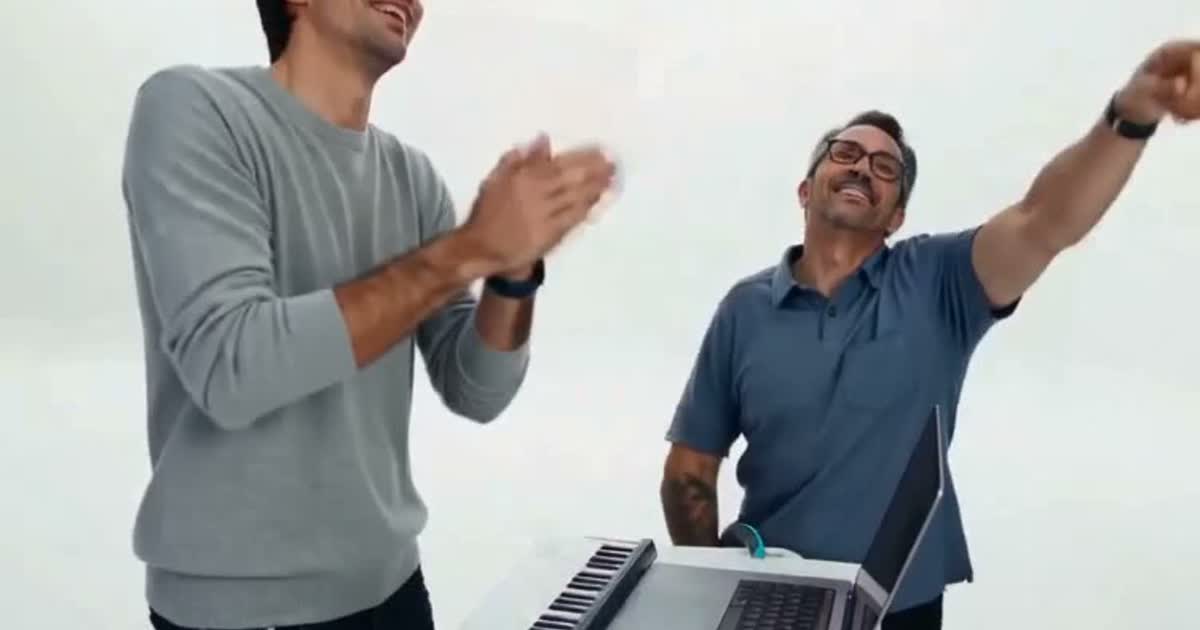
An Alors On Danse AI prompt should say very little: who replaces whom, and that everything else stays the same. We learned that by paying for 18 test renders on Seedance 2 Fast, and the short prompt below is what our generator sends today. This post gives you the exact text, explains each line, and lists the mistakes that cost us money so you can skip them.
Every prompt below comes from clips we generated ourselves, and a good prompt matters more than a long prompt. Where a claim rests on one test, we say so.
The Alors On Danse AI prompt we use
This is the prompt for two people. @Video1 is a motion reference clip, and @Image1 and @Image2 are the two photos.
Replace the two people in @Video1 with the characters in the reference images:
the person standing on the left becomes the person in @Image1,
the person sitting on the right becomes the person in @Image2.
Keep everything else in @Video1 exactly the same.
For a pet, the only change is that the pet's line reads "the pet in @Image2", plus one extra sentence: "The pet keeps its own species, breed, size, coat colour and markings." Our generator builds this text for you, so you only upload the photos.
What each line of the Alors On Danse AI prompt controls
| Line | What it controls | Without it |
|---|---|---|
| "Replace the two people in @Video1" | Tells the model the clip is the source of the movement | It invents its own scene |
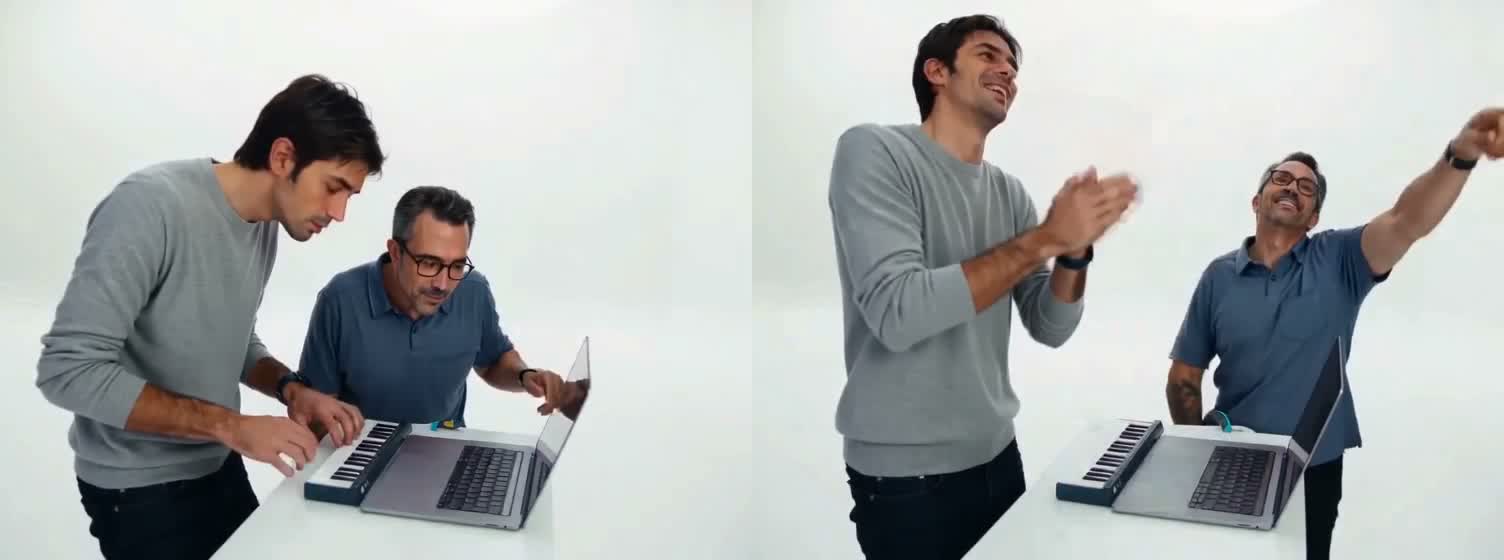
| "the person standing on the left becomes @Image1" | Keyboard player role | The two faces swap sides |
| "the person sitting on the right becomes @Image2" | Instructor role | Both people look alike |
| "Keep everything else in @Video1 exactly the same" | Camera, timing and set | The result drifts |
The roles come first because the trend only works when the player and the instructor stay in the right places. If you want to know what each role does on screen, our template page breaks down the shots.
Why a longer prompt made our videos worse
We ran a four-second A/B test with the same two photos. One version only said who replaces whom. The other also described the shots, the gestures and the entrances. The longer prompt produced extra gestures and different entrances compared with the clip, so we removed the description. It is one test, but it matches what we saw afterwards: the motion clip already contains the shots, and repeating them in words gives the model a second opinion. A short prompt leaves the model nothing to argue about, and a prompt that only names the swap is easier to debug.
The three mistakes from our test renders
- Text-only prompts. Our first ten renders had no motion clip, only a long description of the scene. None of them matched the blocking of the original idea: who stands, who sits, how the camera moves. If you are not using a tool that accepts a reference video, expect to rerun the generation many times.
- Brand logos on the laptop. One early render showed an Apple logo on the laptop lid. We added a line asking for an unbranded laptop in the older version of our prompt. If your tool draws a logo, say "no logos or text on the devices".
- Using the original clip as the reference. It would give the best motion, but the footage belongs to other people. We use a clip we produced ourselves and you should do the same, as we explain in our post on Alors On Danse AI copyright.
If your tool has no reference video
Some tools only take images and text. In that case you have to describe the scene, and the results will vary more. A workable starting point:
A 15-second comedy video in a plain white room. On the left, the person from image 1 stands behind a small table and plays a mini keyboard with both hands, leaning over it. On the right, the person from image 2 sits behind a laptop, points at the screen and talks them through it. Both then laugh and dance on the spot. Fixed medium shot, no logos, no text.
Generate several versions and keep the one where nobody has changed sides. Change one part of the prompt at a time, so you know which edit helped. Expect to spend more credits with a text-only prompt than with a reference clip. The same advice appears in our how-to guide, which also covers photo choice. Photos matter as much as the prompt: a sharp, front-facing face in each image keeps the characters recognisable from the first frame to the last, and a blurry photo cannot be fixed by any prompt.
Alors On Danse AI prompt: short answers
Should I write the prompt in French? No. The tools we use follow English instructions, and the trend does not depend on the language.
How many photos does the prompt need? Two: one per role. Clear, front-facing faces give the best match.
Does the prompt make a sound? Ours does not. Our videos are silent, so add a sound you have the right to use when you post.
Can I reuse this prompt in another tool? Yes, change the @Video1 and @Image tags to whatever your tool calls its references. The wording of the prompt is the part that carries over.
What does it cost? 100 credits at 480p or 200 at 720p on the pricing page, and a failed video is refunded.